Managers
A delegation can have as many managers as it needs. Everyone listed here can manage the roster, submit lineups and confirm results.
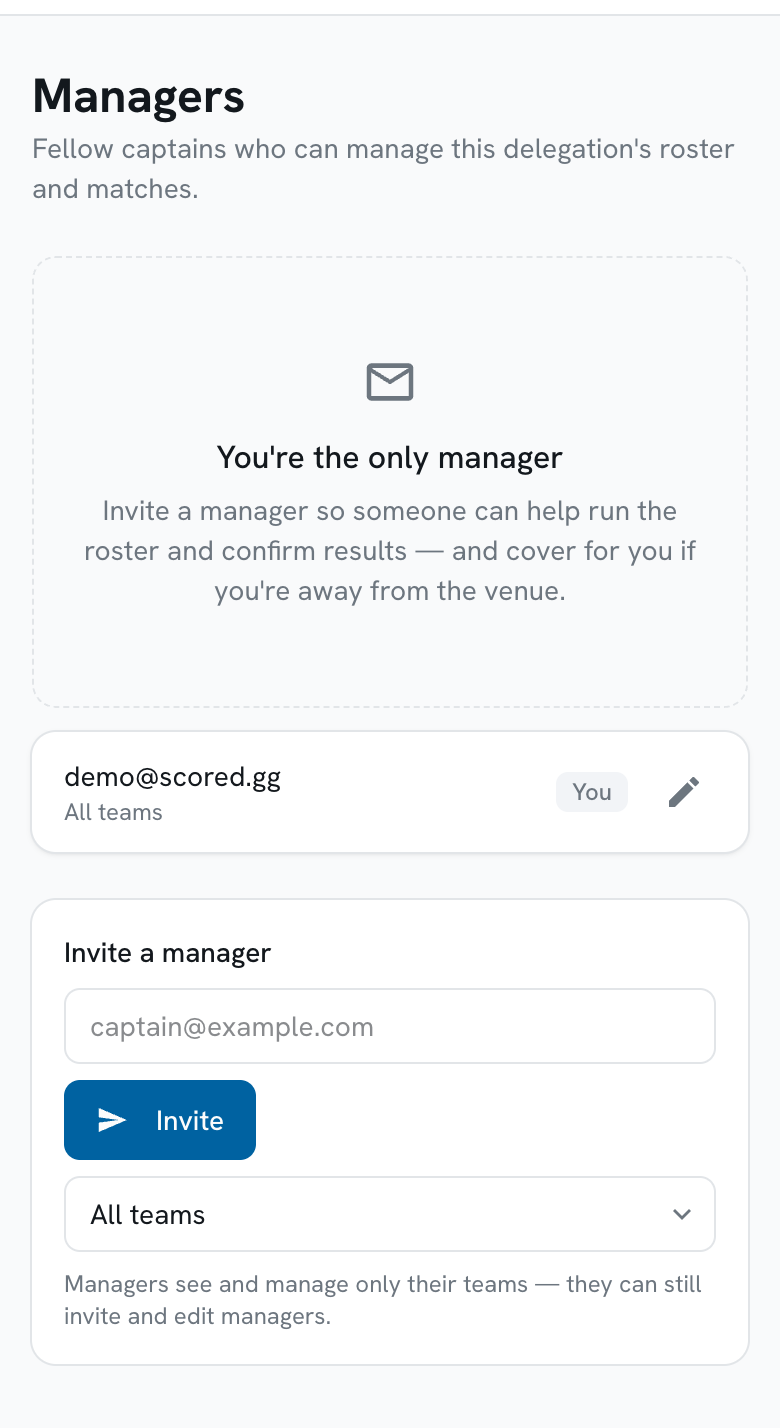
Inviting someone
Section titled “Inviting someone”-
Type their email address in the invite form.
Use the address they will actually sign in with - the code goes to that address and only that address.
-
Tap Invite.
They can sign in straight away by going to the portal address and requesting a code - see Signing in. There is no invitation to accept and no pending state to chase.
Everyone has the same access
Section titled “Everyone has the same access”There are no ranks within a delegation. Every manager can edit the roster, submit lineups, confirm results, and invite or remove other managers - including the person who invited them.
Removing a manager
Section titled “Removing a manager”Tap the remove icon beside their name. They lose access immediately.
You cannot remove yourself - the icon is not offered on your own row, which is marked You. If you are leaving the delegation, ask another manager to remove you, or ask your organizer.