Import your teams and players
When the entries have already arrived as a spreadsheet, you do not have to retype them. Scored imports two things from a file, and they are separate jobs:
| What you import | Where it goes | Plan |
|---|---|---|
| Teams | Into a division | Every plan, Free included |
| Players and staff | Onto a delegation’s roster | Medium and up |
Do the teams first. Players go onto teams that already exist.
Both start from the same place, the Teams page in the tournament sidebar.
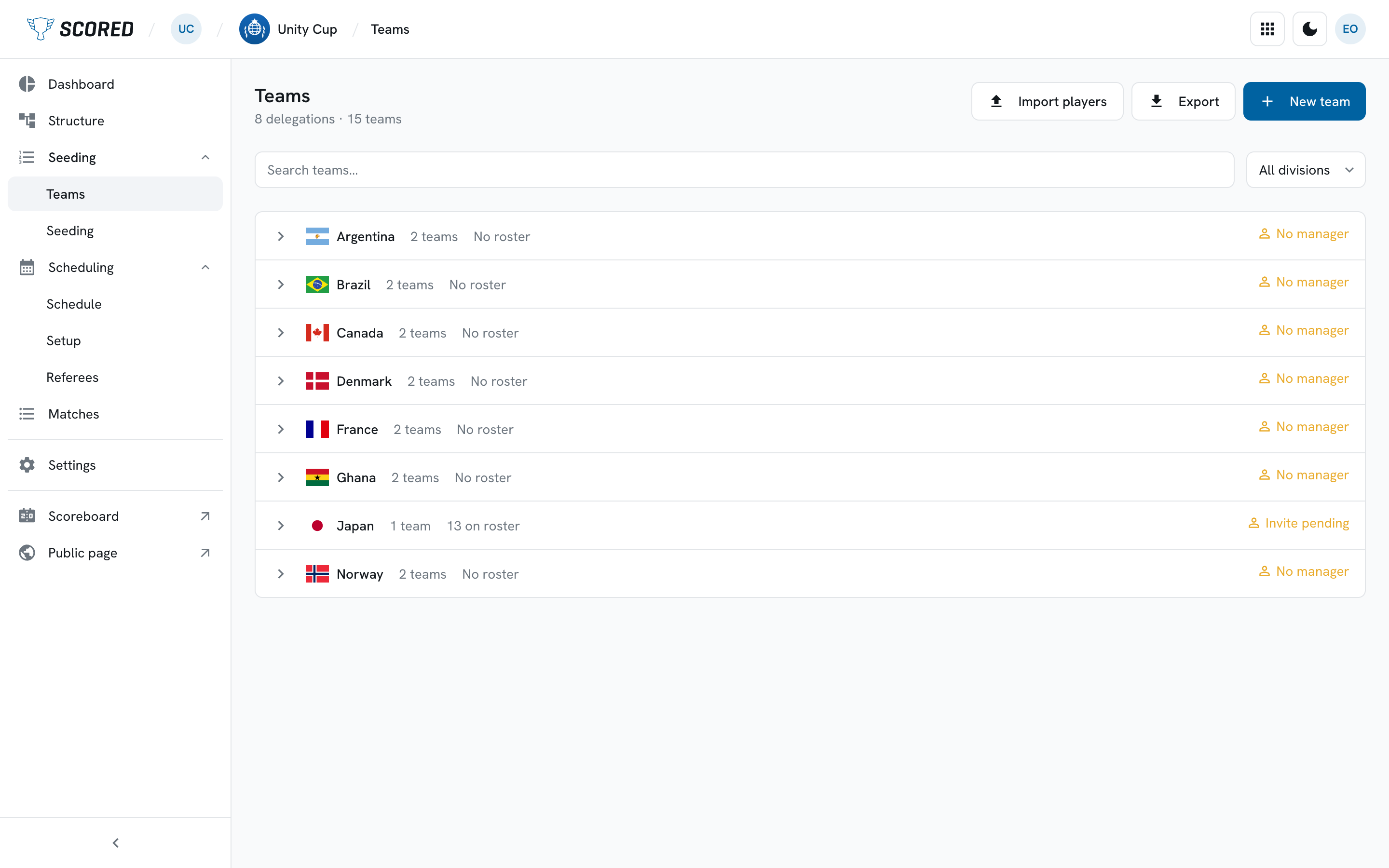
Import your teams
Section titled “Import your teams”Import teams brings your teams in from a file, into a division, instead of adding them one at a time. It is on every plan, Free included.
Import your players
Section titled “Import your players”With team management on, Import players takes one file and fills every delegation’s roster from it. It is the fastest way to start a tournament where each club has already sent you a squad list.
What your file needs
Section titled “What your file needs”Your file needs one row per person and these columns:
| Column | What goes in it |
|---|---|
delegation |
The club or country the person belongs to |
family_name |
The person’s family name |
given_name |
Their given name - leave blank for a single-name person |
number |
Their shirt number - leave blank if they have none |
kind |
player or staff |
staff_role |
For staff only, such as Head Coach |
labels |
Any eligibility labels, separated by semicolons: mixed;senior |
CSV and Excel files both work. Your own column names work too: Download template gives you a file with these headings, and if your spreadsheet calls them something else you match them up in the mapping step before anything is imported.
Importing
Section titled “Importing”-
Choose your file.
-
Match your columns to ours, then click Continue.
-
Check the preview.
Scored shows how many rows are good and how many have errors, and warns you about any delegation the file would create.
-
Click Import.
The button names the number it will import, such as “Import 84 rows”. Rows with errors are left out and stay on screen so you can fix them and import them again.
One delegation at a time
Section titled “One delegation at a time”Import roster on a delegation’s Roster tab takes a spreadsheet for this
delegation alone, with the same columns as the tournament-wide import minus
delegation.
What you cannot import
Section titled “What you cannot import”A schedule. You build the schedule in Scored, which is what lets it warn you about a clash while you place each game.