Finding your way around
Every tournament gets its own workspace. Open it from the Tournaments tile on your organization’s home screen, then pick the tournament - or follow the link Scored gives you right after creating one.
A typical tournament
Section titled “A typical tournament”-
Build the structure.
Divisions, group stages and knockouts - the wizard sets them up in one pass. See Structure.
-
Add your teams.
Create teams or import them, and invite the people who manage them. See Teams & delegations.
-
Seed them.
Drag each team into its group on the Seeding page, and finish before the first match starts.
-
Make the schedule.
Tell Scored your courts and hours, then place every match on the calendar. See Schedule.
-
Run the matches.
During the event you live in Matches and the Dashboard: record results, correct the wrong ones, and answer disputes. Your players follow along on your public page.
The sidebar
Section titled “The sidebar”The workspace’s sections sit in a sidebar on a laptop and behind the menu button on a phone.
| Section | What it is for |
|---|---|
| Dashboard | How your tournament is doing right now, and what needs you next |
| Structure | Your divisions, and the stages each one plays |
| Teams | The teams taking part, and who manages them |
| Seeding | Who starts where in each division |
| Scheduling | Your courts and hours, your referees, and every match on a calendar |
| Matches | Every match in one list - results, corrections, visibility |
| Settings | Everything you configure once: identity, access, defaults, billing |
Below the sections you will find links to your Public page - the site your players and spectators see - and, from the Small plan up, your Scoreboard for venue screens.
The dashboard
Section titled “The dashboard”The Dashboard is home: what is live now, what is up next, and anything that needs you - a court running behind, matches without a referee, a roster still empty.
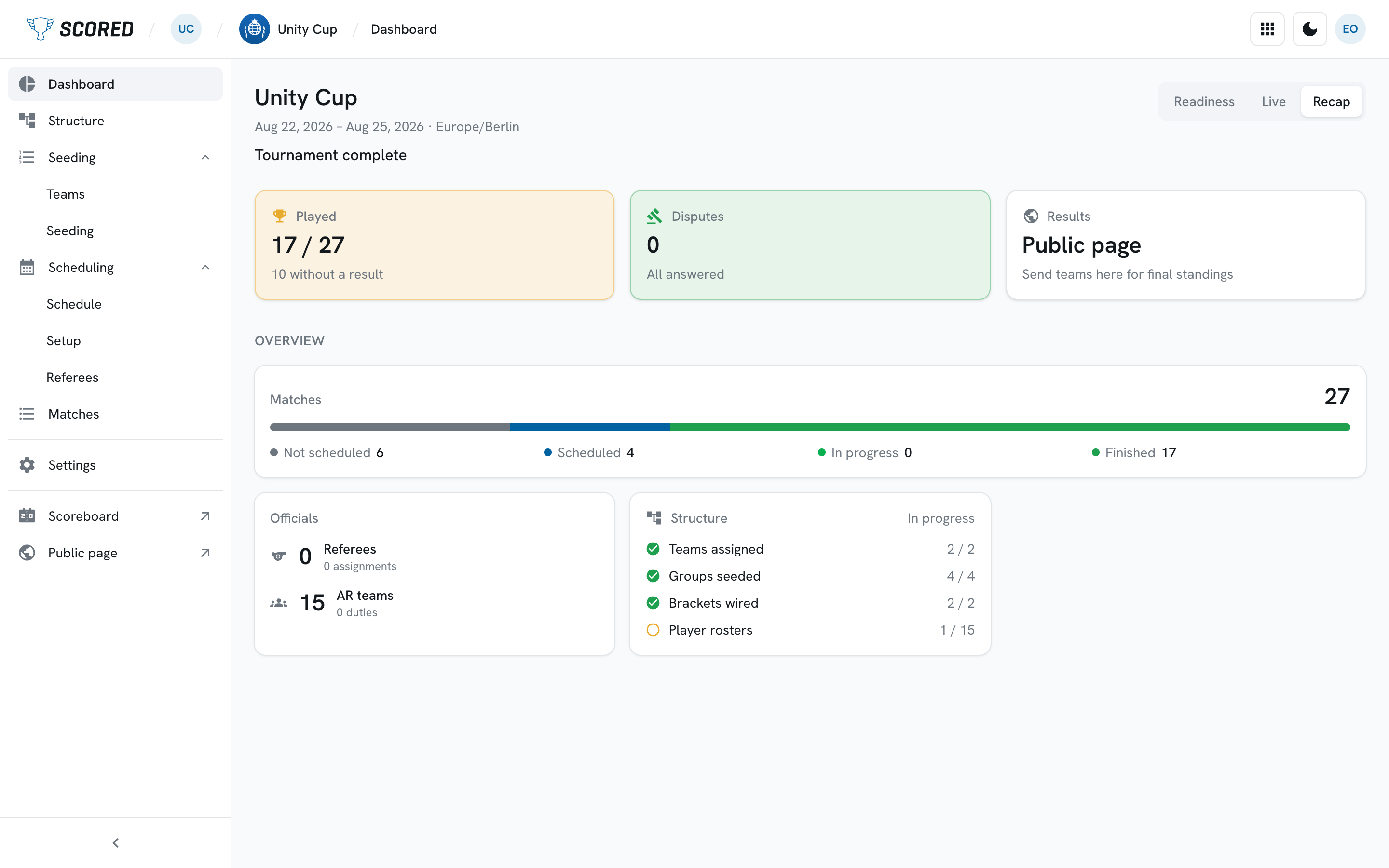
Before your first match it shows how ready you are instead, so you can see at a glance what is still missing.